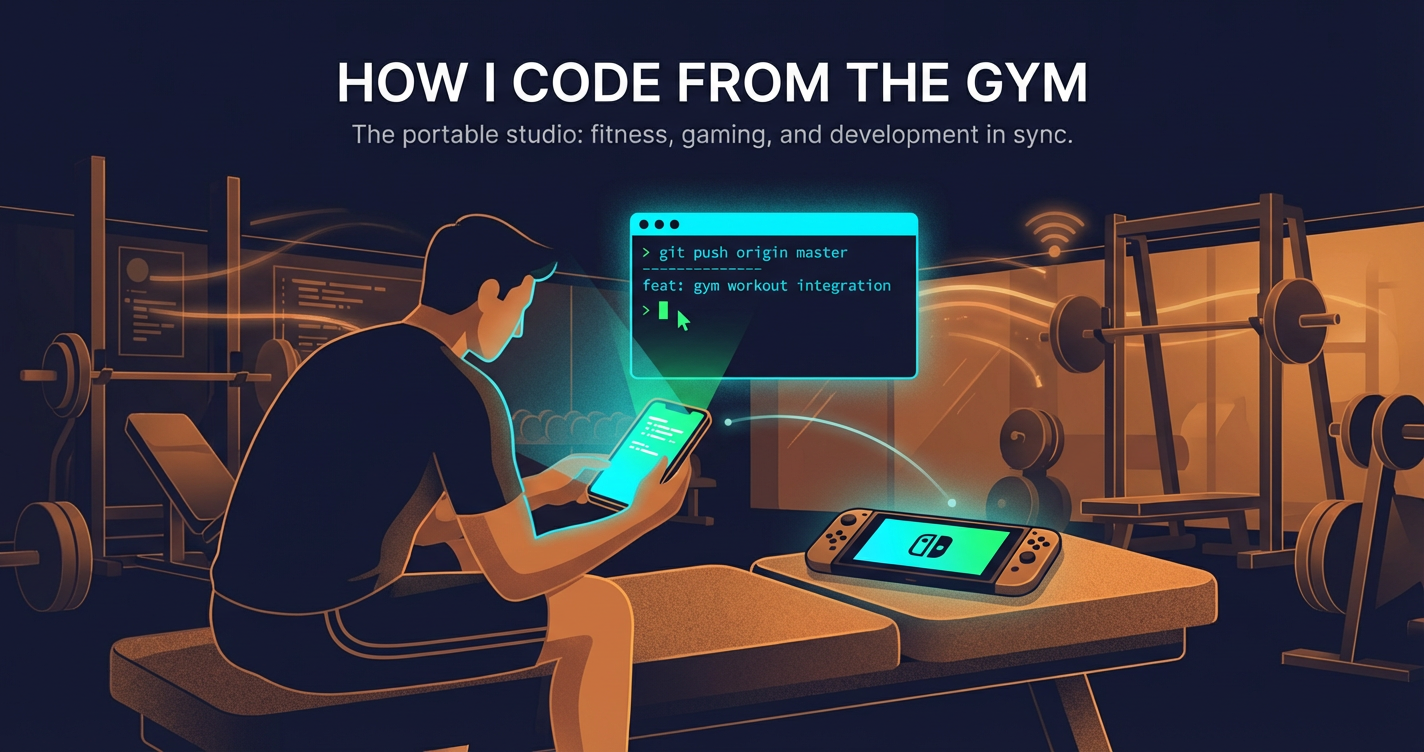
How I code from the gym
My setup for coding from anywhere: running OpenCode Web on Ubuntu as a systemd service and securely connecting from my phone with Tailscale.
- 1. How I code from the gym
- 2. How I code from the gym — Part 2: Any AI tool, one command
- 3. How my agents code when I am at the gym
- 4. Ralph loops for SDK migrations: a case study
I like the idea of coding in small pockets of time, even when I am not at my desk. One of my favorite workflows lately is doing lightweight coding sessions from the gym between sets, while waiting at school pickup, or during my daughter’s swimming classes using my phone.
This sounds a little ridiculous until you have a setup that is actually smooth:
- OpenCode Web runs on my Ubuntu box at home.
- It starts automatically as a systemd service.
- My phone reaches it over Tailscale with proper HTTPS — no ports exposed on my LAN.
Once this is set up, I can open the OpenCode Web interface from my phone browser, review code, queue changes, run small fixes, and keep momentum going while away from my main machine.
Why this works for me
This is the Switch moment for coding for me.
My gaming time went up after I got a Nintendo Switch because I could play in short bursts: in bed, while traveling, or while my daughter is watching TV. OpenCode Web gives me the same shift for coding.
Most of what I want to build happens outside normal work hours: side projects, open source contributions, trying new tools, and exploring unfamiliar codebases. This setup removes the “I need a full desk setup first” friction and lets me keep momentum from anywhere.
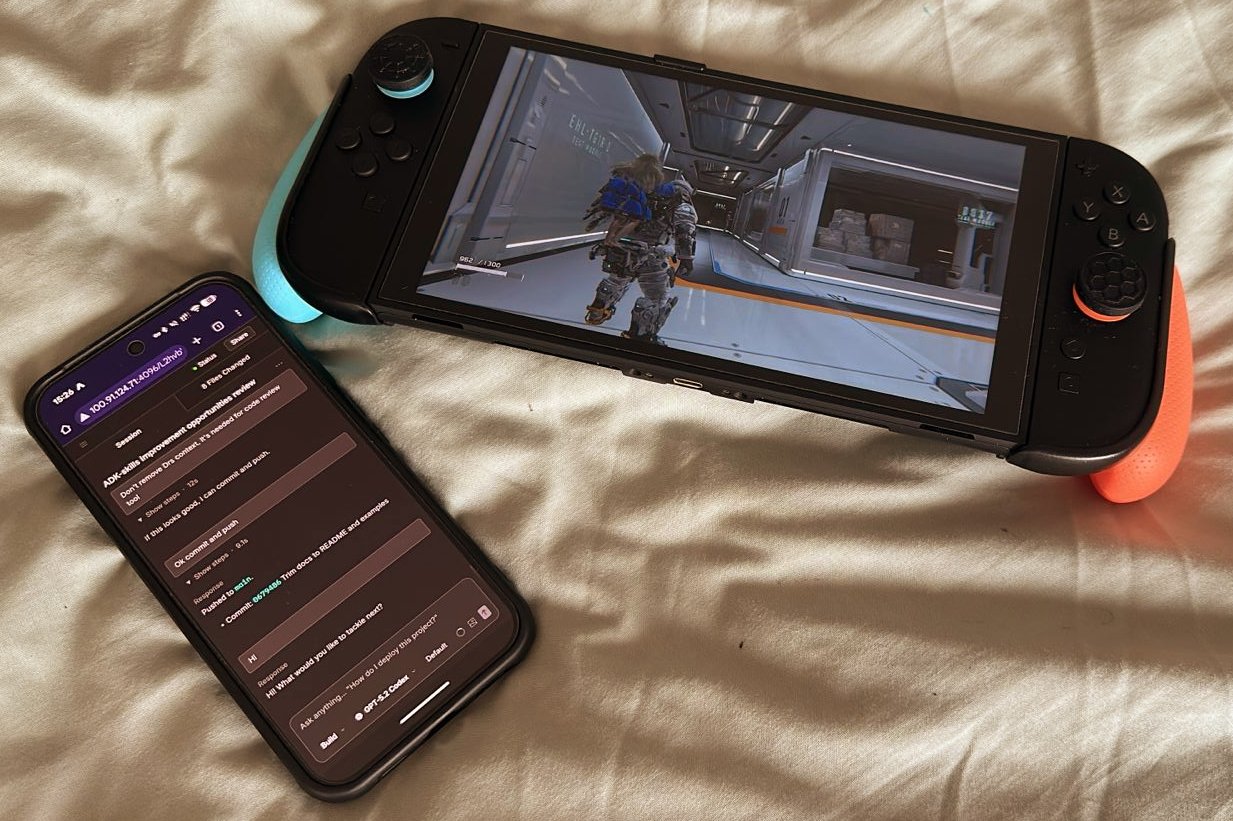
Because OpenCode is built around a server/client model, the heavy lifting stays on my always-on Ubuntu machine while my phone acts as a lightweight client. That makes coding feel portable, so I can chip away at side projects whenever I have a gap and move between multiple projects without a full laptop setup.
I am not limited to tiny edits on mobile. With OpenCode’s server/client model, I can plan and execute full project work while agents handle large parts of implementation on my Ubuntu machine.
The advantage of short sessions is timing. When a feature idea appears at the gym, at school pickup, or during swim class, I can immediately plan it and start execution. Back at my desk, I do final review, full test runs, and release polish. In short sessions, I usually:
- create or refine a feature plan for an active project
- ask the coding agent to implement a scoped chunk
- review generated diffs and leave follow-up instructions
- capture docs/notes while the context is fresh
The phone is just the control surface. The real work happens on a machine with proper compute, full repo access, and my existing toolchain.
Setting up Tailscale
Before we set up the server, we need the networking layer. The key insight is using tailscale serve instead of exposing ports directly. This gives you a proper HTTPS URL with a real TLS certificate, and the server never needs to listen on anything other than localhost.
Install Tailscale on both:
Once both devices are on the same tailnet, there are two things to configure on the desktop:
1) Enable Serve on your tailnet
Visit your Tailscale admin console and enable Serve for the machine. Tailscale will prompt you with a link the first time you run tailscale serve.
2) Set yourself as the Tailscale operator
By default, only root can modify Tailscale’s serve config. Setting your user as the operator lets the systemd user service (which runs as your user) manage tailscale serve without sudo:
sudo tailscale set --operator=$USERThis is a one-time setup. With this in place, the systemd service we create next can automatically publish and tear down the Tailscale tunnel on start and stop.
Running OpenCode Web as a systemd service (Ubuntu)
The most important part of this setup is reliability. If the web UI is down whenever I leave my laptop, the whole workflow falls apart. I use a user-level systemd service so OpenCode runs in the background and comes back automatically.
1) Find your OpenCode binary
which opencodeCopy that path. You will use it in ExecStart.
2) Create a user systemd service
mkdir -p ~/.config/systemd/userCreate ~/.config/systemd/user/opencode-web.service:
[Unit]
Description=OpenCode Web Server
After=network.target

[Service]
Type=simple
WorkingDirectory=%h
ExecStart=/path/to/opencode web --port 4096 --hostname 127.0.0.1
ExecStartPost=/bin/sh -c 'for i in 1 2 3 4 5 6 7 8 9 10; do curl -sf http://127.0.0.1:4096/global/health && exit 0; sleep 1; done; exit 1'
ExecStartPost=/usr/bin/tailscale serve --bg --yes --https 443 http://127.0.0.1:4096
ExecStopPost=-/usr/bin/tailscale serve --https 443 off
Restart=on-failure
RestartSec=5

[Install]
WantedBy=default.target
Replace /path/to/opencode with the output from which opencode.
A few things to note about this unit file:
--hostname 127.0.0.1, not0.0.0.0. The server only listens on localhost.tailscale serve(configured in the previous section) handles external access with proper HTTPS. This means the port is never exposed on your LAN.ExecStartPost(first) polls the health endpoint so systemd knows the service is truly ready before marking it as started.ExecStartPost(second) sets uptailscale serveon port 443 so the URL is a cleanhttps://hostname.tailnet.ts.netwith no port number.ExecStopPosttears down thetailscale servelistener when the service stops, preventing stale listeners from accumulating across restarts.
If you want password protection, add an Environment line to the [Service] section:
Environment=OPENCODE_SERVER_PASSWORD=your-password-here3) Keep it running after logout
loginctl enable-linger $USER4) Enable and start
systemctl --user daemon-reload
systemctl --user enable opencode-web
systemctl --user start opencode-web
5) Verify health and logs
curl http://127.0.0.1:4096/global/health
systemctl --user status opencode-web
journalctl --user -u opencode-web -f
Expected health response looks like:
{"healthy":true,"version":"x.x.x"}Once this is up, you can also attach from terminal with:
opencode attach http://localhost:4096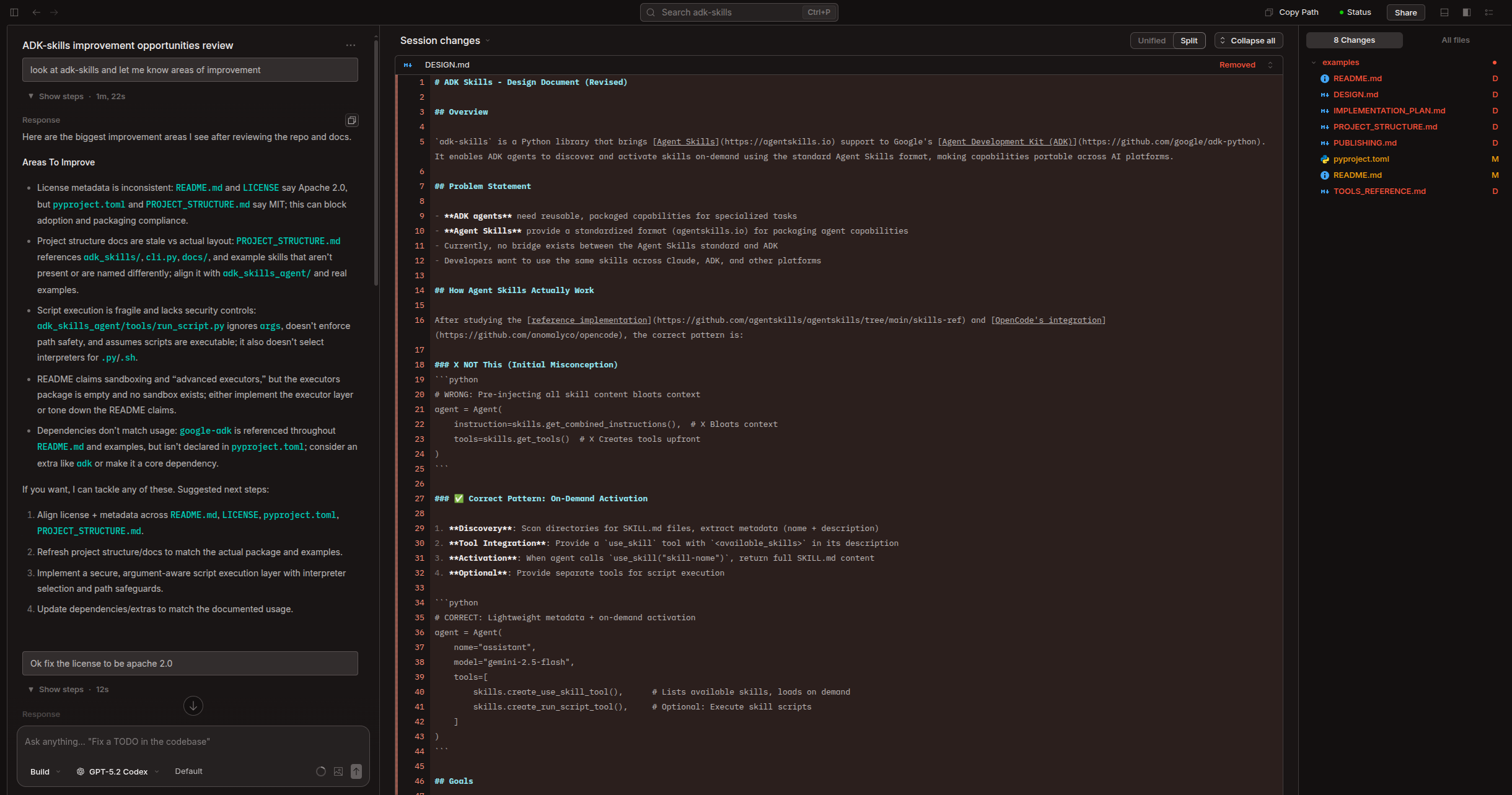
Accessing from your phone
With the service running and tailscale serve active, your phone can reach OpenCode Web at a clean HTTPS URL:
https://ubuntu-box.tailnet-name.ts.netNo port number, no self-signed certificate warnings — just open the URL in your phone browser and start coding.
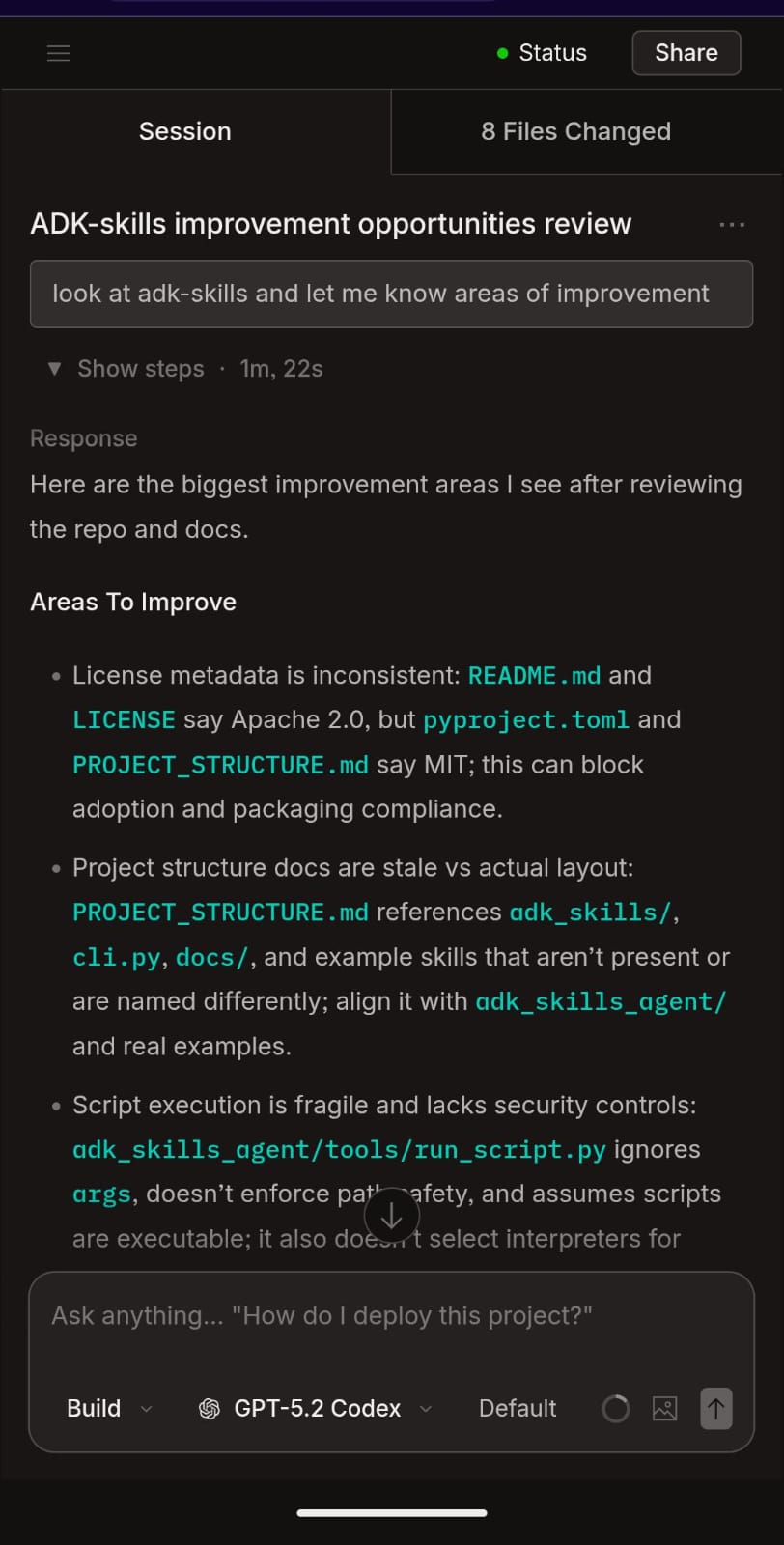
Because the server binds to localhost and traffic goes through Tailscale’s encrypted tunnel with a real TLS certificate, there is no port exposed on your LAN.
Alternatives I use sometimes
I also use hosted agent workflows now and then, especially when I want to kick off work quickly from a browser tab:
These are genuinely useful, and I do use them. But for my day-to-day side-project workflow, they still have trade-offs compared to running OpenCode on my own machine:
- speed can vary depending on queue/load and remote environment startup
- workflow can feel different from my normal desk setup
- limited end-to-end UI testing in the exact environment I use locally
- no direct access to all of my local environment secrets and machine-specific tooling
- product-specific quirks; for example, in my Codex usage, committing binary assets like images/icons is still not smooth
So I treat hosted agents as great supplements, while self-hosted OpenCode remains my default for continuity with the way I already build at my desk.
One limitation of this approach is that I cannot use other harnesses like Claude Code, Codex, Amp etc and I always like to keep switching them to see how they all perform on my tasks so that I can be up-to-date on how the tools are evolving. But there’s been a new addition that possibly solves this, so look for a part 2 of this post!
What surprised me
The biggest win is not speed. It is continuity.
When I can capture ideas immediately and turn them into commits (or nearly-finished diffs), I lose less context and finish more tasks during the week. I still do heavy implementation at a real desk, but these small remote sessions are excellent for momentum.
If you already run a homelab or an always-on dev box, this setup takes very little effort and pays off quickly.
Closing thoughts
Coding from the gym is not about replacing deep work blocks. It is about using dead time well.
OpenCode Web + systemd + tailscale serve gives me a reliable, secure, low-friction way to keep moving on code from anywhere. Once it is running, my phone becomes a surprisingly capable remote cockpit for coding agents.
If you want to automate this entire setup, vaibhav’s setup-desktop.sh handles the systemd service creation, health checks, and tailscale serve configuration in one step.
The Switch moment for coding is here and I am all up for it!